FREE WATERMARK REMOVER — NOTHING IS UPLOADED
Remove a watermark without uploading anything
The model runs on your own machine, so your files never reach a server — which is why there is no queue, no account, and no watermark on the way out. Free for 3 images a day and the first 10 seconds of a video; $3.99 for 24 hours or $12 once lifts the limits.
Drop an image or a video
JPG · PNG · WEBP · MP4 · MOV — video free up to 10s, 720p
or paste one with Ctrl + V
- No sign-up
- No watermark added to your result
- Files stay on your device
THE RESULT
See what comes out
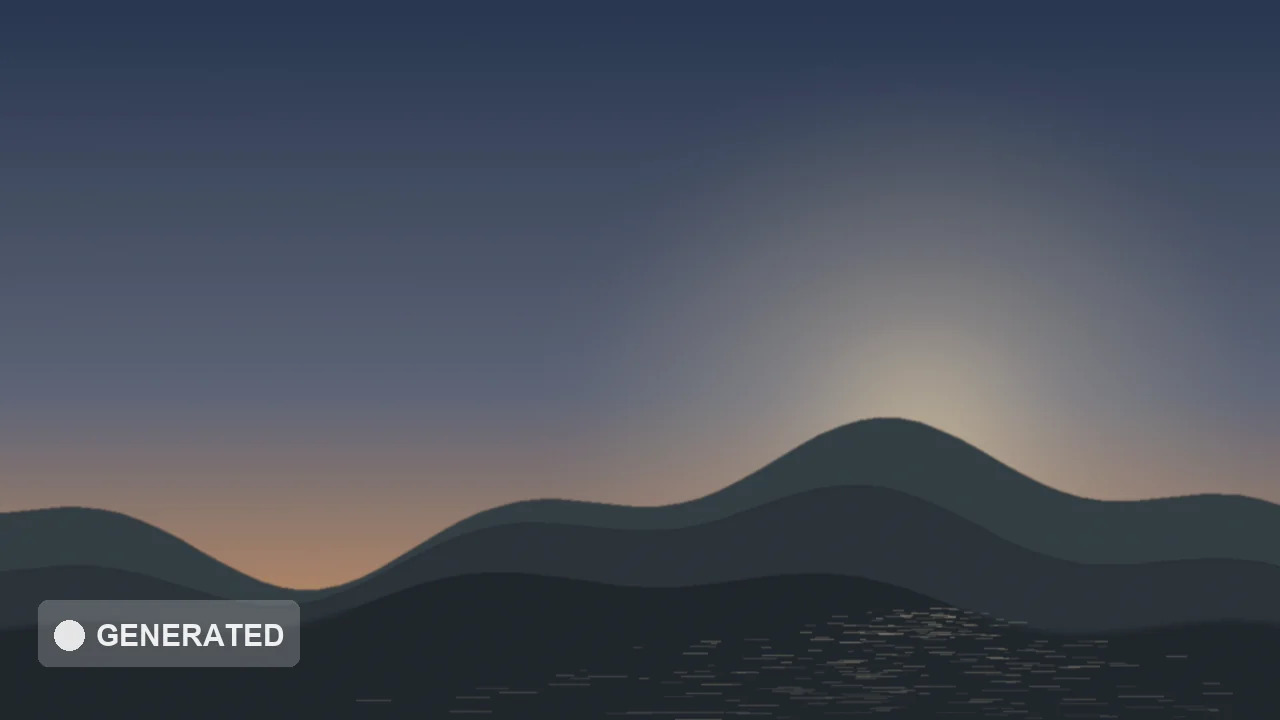

The kind of corner badge Veo, Kling, Gemini and Meta AI stamp on what you generate. Both frames are real: the right-hand side is what this tool produced from the left-hand side, with no touch-up afterwards.
AT A GLANCE
- What it does
- Removes a visible watermark, logo, caption or AI-generator badge you mark from a photo or video: an AI model fills in the pixels underneath.
- Where it runs
- In your browser, on your own device. Your photo or video is never uploaded: the site has no upload endpoint for files.
- Sign-up
- None. No account and no email needed to use it.
- Free
- 3 images a day (the count resets at midnight UTC) at up to 4096 px, and the first 10 seconds of any video at up to 720p. A longer or sharper clip still gets a free 10-second preview, so you see the result before paying. No watermark of ours is added.
- Paid
- $3.99 for a 24-hour pass, or $12 once for Pro, which does not expire. Both lift the limits: unlimited images, video up to 10 minutes and 2160p (4K). One-time payments; there is no subscription and nothing renews.
- Paying
- Card or Apple Pay through a Revolut payment link (no Revolut account needed). Press “I’ve paid” and it switches on in that browser at once; the licence key is emailed so you can use it in another browser. Each payment is checked by hand, usually within a day. Full refund within 30 days.
HOW IT WORKS
Three steps, zero uploads
01
Drop your file
The model downloads once, then stays cached, and runs on your own GPU where your browser allows it.
02
Mark the watermark
On video it is usually found for you — drag to adjust, or draw the box yourself. One box covers a whole clip when the mark holds still.
03
Export at full size
Original resolution, no added badge, no account. The file was never anywhere else.
EVERY TOOL
Pick what you are cleaning
All free to start, no sign-up
WHAT IT DOES WELL
- Fixed overlays on flat or lightly textured backgrounds
- Corner logos and tiled repeating marks
- Stills at full resolution up to 4096px, with no queue
WHERE IT STRUGGLES
- Marks sitting over a face or over fine text
- Fast motion — frame-by-frame fills can flicker
- Very large marks covering most of the frame
GUIDES
Read before you clean
QUESTIONS
Straight answers
Is FrameCleaner free? What does it cost?
Free, with no account: 3 images a day at full resolution up to 4096 px, and the first 10 seconds of any video at 720p, with no watermark added. To clean whole videos (up to 10 minutes and 4K) and unlimited images, a day pass is $3.99 for 24 hours from purchase, or Pro is $12 once for good. No subscription either way.
How do I pay, and how fast does it switch on?
Card or Apple Pay through a Revolut payment link (no Revolut account needed). Press “I’ve paid” and it switches on in that browser at once; the licence key is emailed so you can use it in another browser. Each payment is checked by hand, usually within a day. Full refund within 30 days.
Do I need to sign up or install anything?
No. There is no account, no email and no app. Open the page, drop in a file, and the AI model runs in your browser tab; it downloads once and is then cached.
Is it legal to remove a watermark?
It depends entirely on whose content it is. Removing a mark from your own footage, or from something you hold a licence to, is ordinarily fine. Stripping a photographer’s credit from their work in order to reuse it is not, and in the US that runs into DMCA section 1202. We built this for the first case.
Does it handle AI video badges, including ones that move?
Yes. Most AI generators, Veo, Kling and Gemini among them, keep their badge still in a corner, and one box covers the whole clip. A mark that moves, like TikTok’s username overlay, is followed and filled frame by frame, which can shimmer slightly on fast motion. Steady shots come out clean.
Do you keep my files?
We never receive them. Processing happens inside your browser tab, so there is nothing on our side to store, log, or hand over.
Why is it free?
Because it costs us almost nothing to run — your device does the work. The paid options ($3.99 for 24 hours, $12 once for Pro) lift the limits we set on how many images and how much video you can clean; that work still runs on your device too.